The other day I wrote a review of 2016, as a extension to that post I thought I would write a list of goals for 2017. Writing down the goals is supposed to hold you accountable and help you work towards those goals.
One of the requirements I was going to place on my goals was to make them measurable, not sure how easy some of them will be to measure. I also wanted to make the goals attainable, basically trying to prevent those gigantic shoot for the stars goals. I do have a young kid in the house and as anyone with kids knows “the best laid plans” principal comes into effect, so attainable is a must.
- List 3 daily outcomes I want to complete that day:
- This is based off the book Getting Results The Agile Way. I’ve been doing this for awhile, but I seem to fall of the band wagon for a week or two and then jump back into it. With the transition to management, I now spend more time in meetings or in hallway conversations. By adding the 3 daily outcomes I should be able to stay focused on important tasks when I do find time at my desk.
- To measure this goal, I plan to use Trello to track the daily outcomes. One additional benefit of using Trello and tracking the daily outcomes is that I will now be able to provide details to my manager on tasks and items that I have completed.
- I also want one of the 3 daily outcomes to be something personal. I strive to have a healthy work/life balance and with the wife and little guy at home I have plenty of reasons to make life outside of work a priority.
- Delegate more work:
- I need to get better at letting my team make decisions and solve problems. I work with some really smart people and I need to find ways to help them grow and help our team succeed.
- This will be tough to measure, but I should be able to track this through the associated people on our backlog items.
- Bike at least once a week when the weather is better:
- Pre-kid, I was biking a couple times a week and even did some communting to work on my bike. And then the kid happened….. and my bike rarely left my garage. Biking is one of my favorite summer activities and Des Moines has a great biking culture, I hope now that the kid is a little older I’ll be able to get out on trails. I’m also hopefully I’ll be able to take the little guy with me for a few rides.
- One small trip with the wife:
- I want to go on at least one small trip with just the wife and I. I want to travel to a place in the county neither of us has been to before. Now to just convince one of the grandparents to watch Jack for a long weekend.
- Blog
- I want to try and get back into blogging again and not just personal items. My goal is to average one non personal blog post per month.
I have some additional personal and professional goals but those are hard to measure. I’ll leave those off this list as I look at those as more guiding principals than really yearly goals.
Here’s to 2017, lets all go out there and complete our resolutions and goals!
Written with StackEdit.
Normally I wouldn’t do a review of the previous year, but I had some pretty big things happen professionally and personally in 2016. I’ll start with the personal items as the family wouldn’t let me live it down if i didn’t.
The Family Grew by One
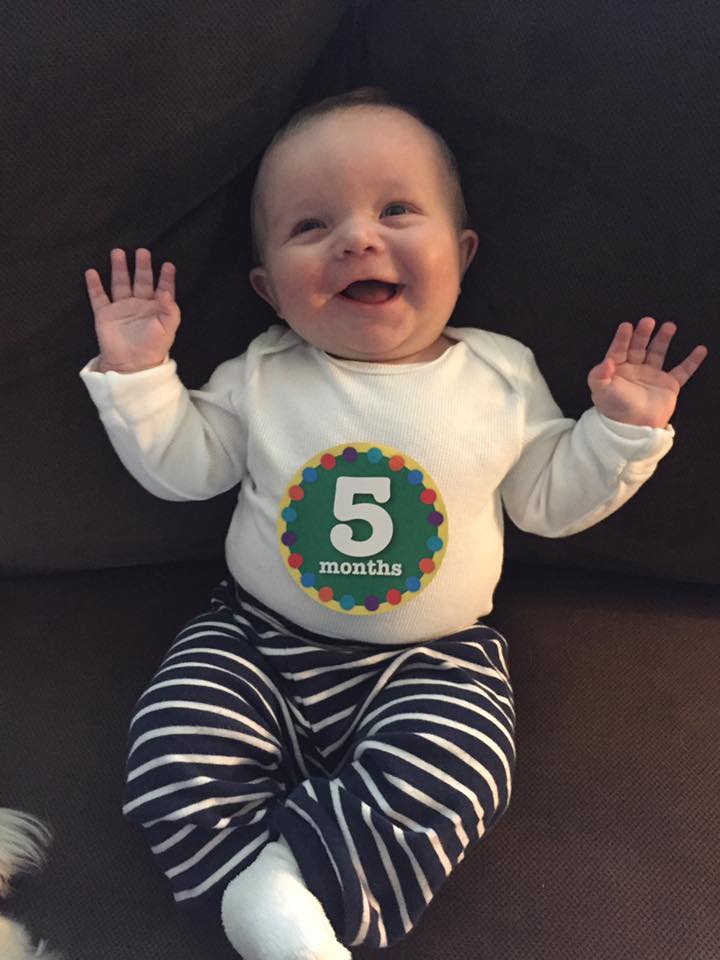
My wife and I welcomed an addition to our family in April, Jack Charles came screaming into the world and hasn’t looked back. Parenthood has been an amazing experience and pushed me in ways I would’ve never thought. Out little guy is pretty awesome and I just want to do everything I can to give him the best life possible (as cliche as that sounds). I just wish he would let me sleep more, I’m hoping Jack is setting 2017 goals that include walking, talking and letting his parents sleep. I’m really looking forward to watching Jack grow in 2017 and the adventures he’ll be taking my wife and I on.
I Completed my MBA
Getting a masters degree was always something I had thought about, and back in 2008 I decided I was ready to start working towards that goal. I studied and took the GMAT that year, life then happened and I delayed the start of my first class until 2010. I took a class or two the first couple years as I was trying to decide if this was something I really wanted to persue personally and financially.
Then in the fall of 2012, I decided I was going to take the plunge and make the full commitment to getting my MBA. It took until January of 2016, but I can now officially say I have a Masters degree.
There were times I questioned why I was doing all this school work will also holding down a full time job. But looking back, the process of getting my MBA will go down as one of the bigger highlights and proudest moments of my life.
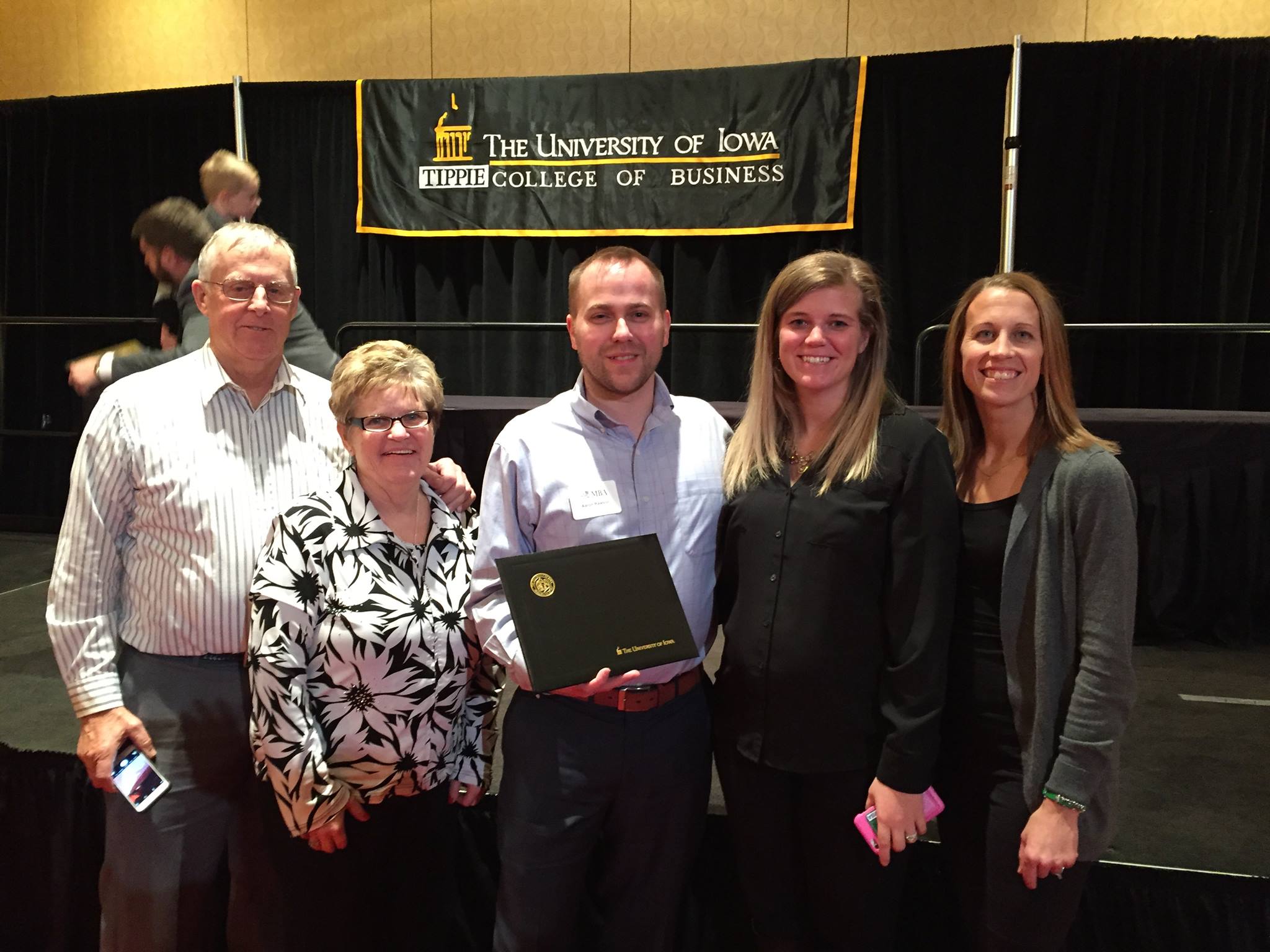
If you have that the internal drive to get your MBA, I would encourage you to chase those dreams. I don’t think you’ll regret it!
Took New Role as Manager and Product Owner
With the completion of my MBA, a promotion came shortly after. This is something I’d been working towards for a few years, taking on more and more leadership roles within my team over that time. In March, I was finally promoted and assigned a couple developers and given the opportunity to hire a third. The team works on a set of applications that I helped build, I am now the product owner of those applications.
Over the course of the year I’ve helped the team transition to scrum and also implemented a number of operational improvements to help the developers improve their day to day output. The team is starting to click and with the addition of a tester, scrum master, and BA we are really starting to move through the backlog.
I would be lying if I said I wasn’t nervous about the job change, but I’ve really enjoyed the move to management and from early reports I’m doing pretty well. I still have a lot to learn but thankfully I have some of the most forgiving people working around me, they’ll laugh at my mistakes but are also willing to give me another chance.
I hope 2017 brings more improvements for our team and continued success.
Traveled
I traveled a lot this year for work and MBA related reasons and got to see places I’ve never been to before.
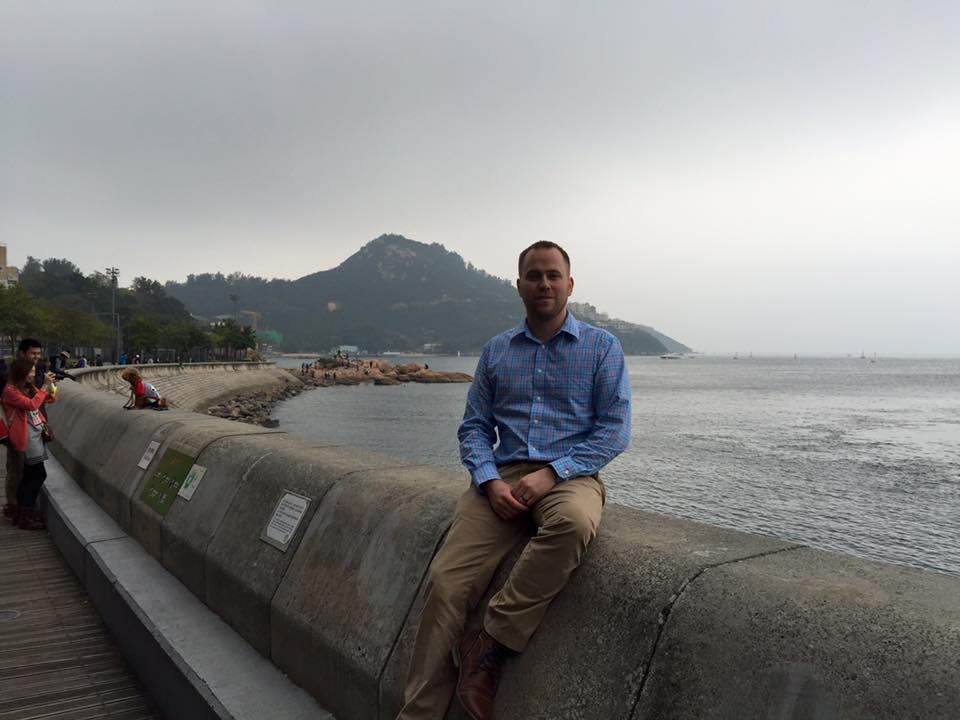
For the last class of my MBA I traveled to Hong Kong and South China. The trip was amazing and the opportunity to meet executives and hear them speak to our MBA class was a once in a lifetime opportunity. I also met some amazing people and created some great new friendships from the Hong Kong trip. I was lucky enough to spend a few additional days in Hong Kong for work and spent time with some coworkers I’d never met. My Hong Kong coworkers made sure to show me the true parts of Hong Kong, which was an awesome treat.
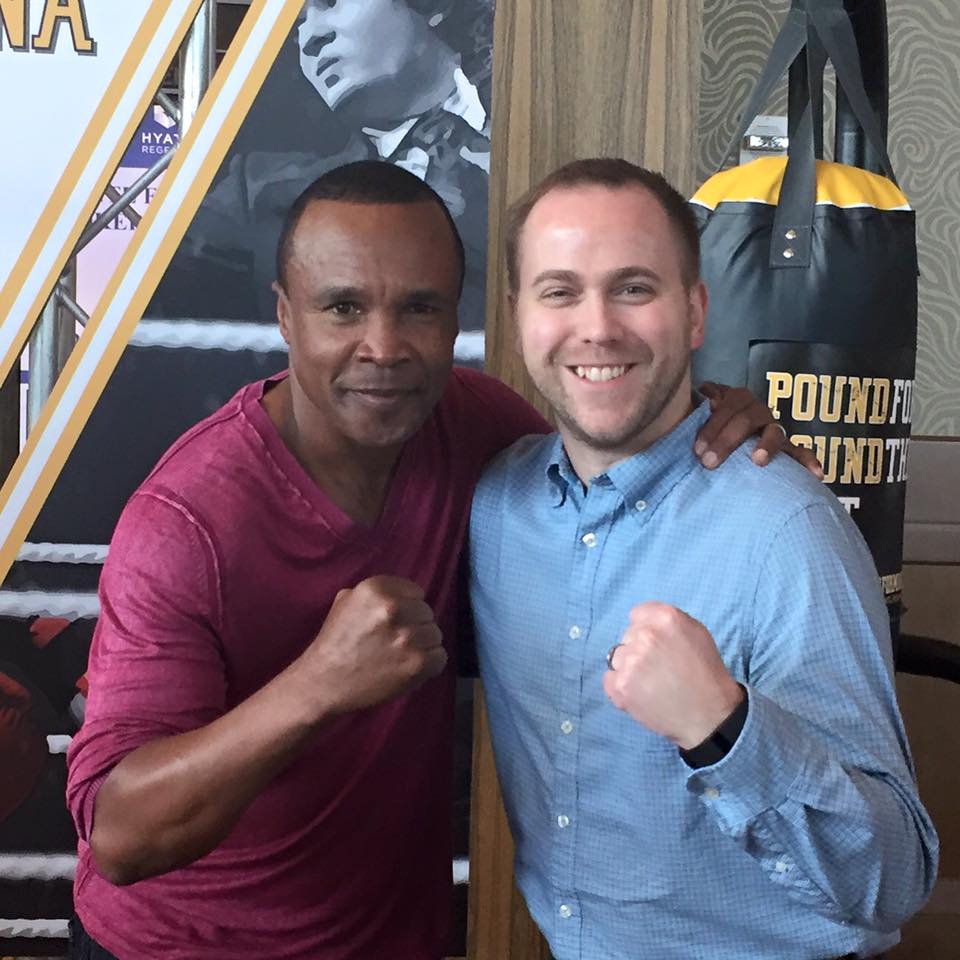
I did a bit more traveling for work this year than I have in the past and got to see some new places. I took 2 trips to Alabama and knocked that state off my list. While in Alabama I enjoyed some good food and southern hospitality at our office down there. I got the chance to tour the Chicago Board of Trade while in Chicago, don’t skip the opportunity to experience the CBOT if you ever get the chance. I had the opportunity to travel to our companies bi-annual Global Sales Meeting in Orlanda where we got to hear Sugar Ray Leonard speak as well as our corporate executives. And finally spent some fun days and nights in Kansas City.
My wife took up a career in IT
The final highlight was not my own, but of seeing my wife make the career change into software testing. This is something she has talked about for a few years and had done quite a bit of research on. I was really happy and proud of her for taking the steps she did to make this dream come true. She’s only been doing the job for half a year but she seems to love the career change and seems happier when she’s at home (Happy Wife, Happy Life).
Here’s to hoping 2017 has just as many good quality highlights!
Written with StackEdit.
Well the tumblr experiment didn’t go well, as you can probably tell from the previous blog post’s publish date. With the encouragement awhile back from my friend @mikecole I’ve decided to give Jekyll and its github pages integrations a try for a blogging site.
I have nothing bad to say about tumblr, I was just never excited about having them host my blog and because of that I never felt like blogging. I’m hoping with this move to Jeykll and github pages I’ll find the spark to start blogging again.
A couple of the reasons why I think this change will be good is that it gives me a chance to be a geek and play with github. I also like the idea of getting to learn markdown, I’m having to document thoughts and ideas a lot more with my career change to Product Owner and Manager, I’m hoping markdown can become a tool I use to help with the documentation.
So far my Jekyll experience has been mixed, I think a lot of that had to do with being on Windows. I thought the documentation could’ve been better and I had to do a lot of hunting to find answers to questions, but I now know a lot more about the internals of Jekyll and the github integration. It took me a bit, but I think I have the site up and running with the basics. I have some things I want to change, but I can deal with those in the future. We’ll first see how this blogging experience goes before I start adding any new features to the site.
Here’s to the future and hopefully some success on this Jekyll blogging experiment.
Written with StackEdit.
Since posterous (my old blog host) announced it was shutting down I’ve known I needed to move my blog, but nothing like waiting til the last minute to finally get it done. On April 29th I got an final warning email from posterous saying I had until April 30th to do something with my blog. So rushing through my options I decided to move my blog to tumblr.

I had originally looked at tumblr for hosting my blog a few years ago, but the day I was testing out tumblr they had a huge server crash that caused a major downtime of their system. After experiencing that frustration I decided I’d leave my blog hosting on posterous.
Well now that posterous is no more, here I am back at tumblr.
I ended up picking tumblr for a few reasons: One I had played with tumblr a few times since their server issues and did like the simplicity and ease of their service. Two, because I needed something quick and I was familiar with tumblr. Three, because their was an awesome service from import2 that would export my old blogs from posterous and import them into tumblr, thus maintaining all my old posts. Finally, cause tumblr isn’t wordpress!
So far, I’m extremely happy with how easy it was to set everything up in tumblr, and get it configured how I wanted. I was able to find a theme that would allow me to use disqus comments, easily able to hook up google analytics, and to get my custom domain pointed to tumblr without any issues. The only thing I was slightly bummed about was that I lost the comments on my posterous blog because I switched to discus for comments. Not a huge issue since I didn’t have a ton of comments, but their were a few posts with some good discussions in the comments.
I have to say I am extremely happy with how easy it was to move my blog and how quick I was able to get it setup and configured. Now I just hope I don’t get an email from tumblr saying their shutting down tomorrow ;).
I wanted to take some time and thank the organizers of BarCamp Des Moines, they did another amazing job this year. This was the 2nd Des Moines BarCamp and also my 2nd time attending and I have to say this is quickly becoming one of my favorite events of the year. You could call it a conference if you want but it really isn’t in the same sense, if you’re curious as to what BarCamp is check out wikipedia. One of the big reasons why I enjoy this event is because it’s not all technical, there are technical people in attendance but there are also designers, businessmen, entrepreneur, and regular Joe’s as well. Because of this mix you get some really interesting presentations and conversations happening throughout the day, and thats what I enjoy about this event.
This year’s event was even better than last years, and I think that had to do with everyone knowing what to expect and how to prepare. The first session I went to was actually one I attended last year and got so much out of that I for sure wanted to attend again this year. The session was simple, name one of your favorite books and give a description on why people should read it. I got so much out of last years and was definitely not disappointed this year, and now have a few more books on my must read list.
The rest of the day I tried to participate/attend in sessions that were outside of what I deal with on a day to day basis (programming). Here are some of the high points from those sessions:
-
Take the time and find a way to design with emotion, it helps create a relationship between your product and your customers. If you design with emotion and make a mistake your customers will be ticked but will also forgive you, where if you don’t create the relationship with your customers and you make a mistake that customer may leave and never come back.
-
To help yourself create/come up with new ideas you need to get out of your comfort zone, take the time to meet new people and hear new ideas. If your always talking and hanging out with the same people you’ll never give yourself the chance to meet that one new person who will inspire and help you take that next big step in your life.
-
Take the time to organize your life, and remove distractions so you can focus on one thing at a time. Multi-tasking only gives the illusion of productivity, you get more done when you only focus on getting one task done at a time. I’m already trying to do this with Evernote and following the GTD techniques described in David Allen’s “Getting Things Done” book. I have definitely noticed a difference in how I get things done when I’m following these ideas.
-
I also got into an impromptu Regular Expression session that was really interesting, because this is something I do use every day in my work life. It was really beneficial to get an experts point of view in how they view RegEx and how they use it in their everyday work. The RegEx tips and tricks are definately going to help out, multiline who knew?
Last year I ended up leaving before the event ended but this year I stuck around and went to the after BarCamp meal. This was a lot of fun, because you can’t beat free pizza and pop ;). I was able to enjoy a good conversation with a friend of mine from the Cedar Valley .net user group and also got to meet and talk with some really interesting people I would’ve probably never met otherwise. I hope the guy who did the session on, meeting new people to create ideas, would be proud, I extended my Venn diagram and had a lot of fun doing it.
I can’t wait to see what next years BarCamp has to offer, thank you again to the organizers.